
Content at true scale
A schematic can be metres wide next to a headline centimetres tall. Nothing is shrunk to fit a slide — the canvas is as large as the idea needs.
ZoomCanvas 1.0 is out — and the free version is the whole app.
Download for WindowsZoomCanvas is a desktop presentation application built on an infinite canvas. Content lives at true scale, and a cinematic camera flies between the parts you want to talk about — so structure becomes something your audience can see, instead of something they have to remember.
Live demo · made in ZoomCanvas
This is a real ZoomCanvas deck: the entire periodic table turned into one ridiculous, chained story — a fire hydrant, a winking balloon, a bear who is also a lawyer. The camera starts on the whole table, dives into each chapter, then into every single scene. No slide could hold it. A canvas can.
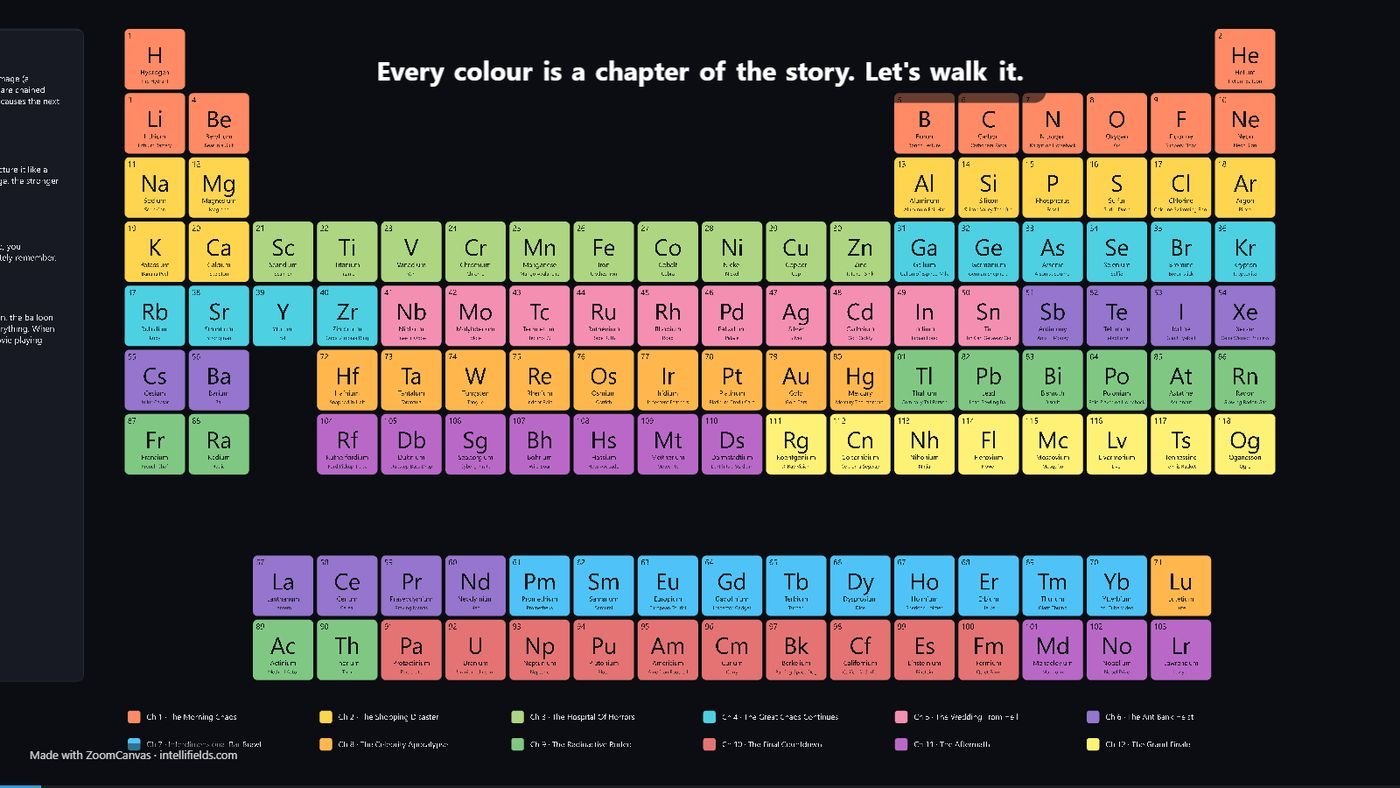
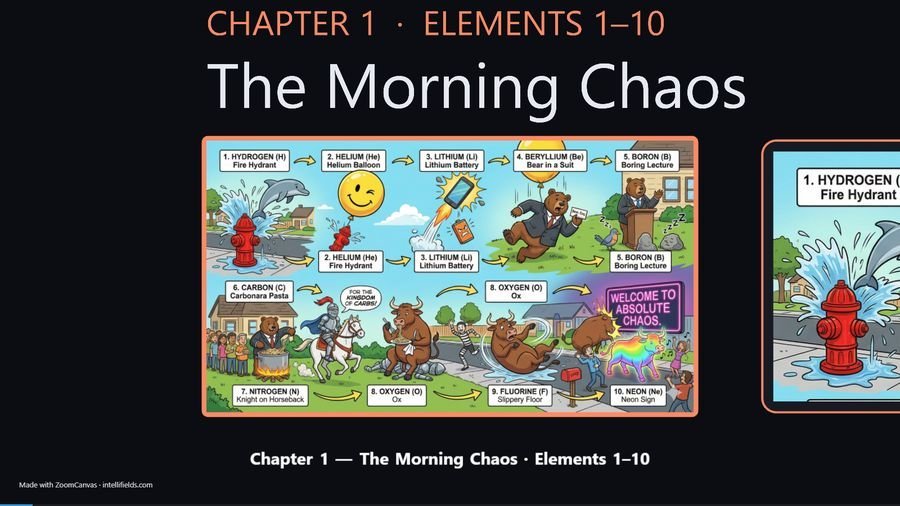
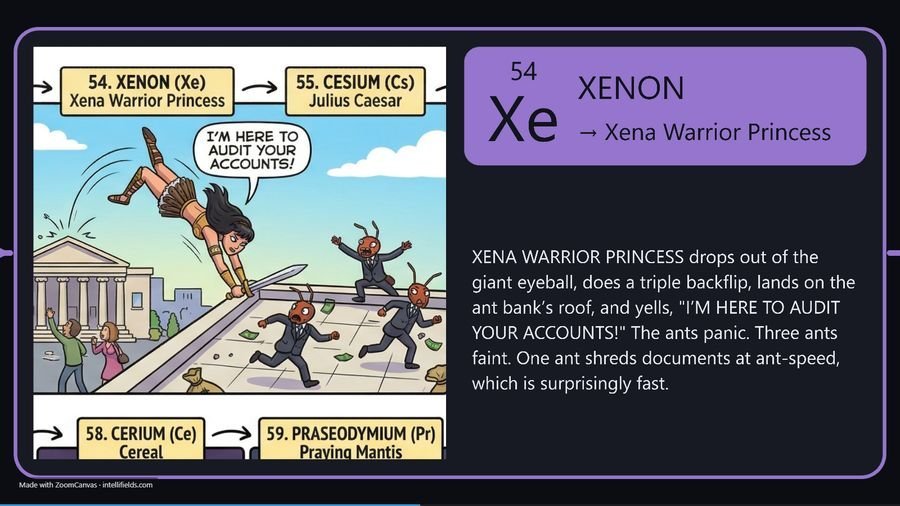
Exported from ZoomCanvas with one click as a single self-contained web page. It is about 25 MB, so the first load is quicker on Wi-Fi. Click, tap or use the arrow keys to move through it.
The idea
Slide decks flatten everything to the same size. A one-line takeaway and a dense schematic get the same rectangle, and the relationship between them lives only in your narration. On a canvas, scale carries meaning: the whole system is one object, and the detail you zoom into is visibly part of it.
A schematic can be metres wide next to a headline centimetres tall. Nothing is shrunk to fit a slide — the canvas is as large as the idea needs.
A frame is a saved camera position. Reorder them to change the route through your material without moving a single object.
Take a question out of order, fly straight to the relevant detail, then fly back. The canvas does not care what order you planned.
The hard part
Most canvas tools freeze animated content the moment you zoom out, because decoding dozens of GIFs per frame is expensive. ZoomCanvas runs them all at once, while the camera is moving — on WebGL2, with decoding pushed into web workers and a tiering system that swaps distant items for lightweight impostors before they cost you a frame.
Measured on the project’s own performance gate, not estimated — the GIF stress scenario is a release blocker, so these numbers are re-checked at every milestone.
Zooming to 50× on a one-pixel detail placed a billion units from the origin holds steady — no shimmer, no drift. Vector artwork re-renders at the new scale rather than blurring.
Every time-dependent system reads a single injected clock, so what you rehearse is exactly what plays back. Animation timing is never re-derived in a second code path.
What it does
Nothing here asks you to start from a blank canvas or abandon the material you have already made — and nothing needs an account or a connection.
Bring a .pptx straight in, with no copy of Office installed and no round trip through a converter. Slides can land stacked, ready to be spread across the canvas.
SVG, PDF and Illustrator files import as real vector artwork and stay sharp at any zoom. Web pages import too — and run live and interactive on stage.
Embed video directly, or give it a frame of its own so the camera settles before it plays. Animated GIFs keep running through every zoom and pan.
Up to six sides, each its own canvas. Crossing sides on stage zooms out, tumbles the solid like a die, and dives back in — automatically.
Export the whole presentation as a single portable HTML file with fonts and assets embedded. Send it, open it in a browser, present it — no installer, no account. PDF and MP4 export too.
Recent files, save-before-close, restored window state, light and dark themes, two-screen presenting with a speaker view. It behaves like software, not a web page.
Where it sits
An honest comparison. If your deck is genuinely a sequence of independent points, PowerPoint is the right tool and you should keep using it.
| Aspect | Slide tools | ZoomCanvas |
|---|---|---|
| Structure | A linear sequence. Relationships live in your narration. | A spatial map. Relationships are visible, because scale and position mean something. |
| Big diagrams | Shrunk to fit, split across slides, then re-explained. | Placed once at full size. You fly into the part you are discussing. |
| Going off-script | Hunt through the deck, or jump and lose your place. | Fly anywhere on the canvas and back. Position keeps the context. |
| Animated content | Often pauses or drops frames during transitions. | Keeps animating through zoom, pan and camera flight. |
| Runs as | Varies — often a browser tab or a subscription. | A native Windows application that works offline. |
Pricing
No feature gates, no trial clock, no subscription. The free version is everything ZoomCanvas does; a licence takes the small mark off your presentations and exports.
$0
$10 ONE PAYMENT
Buy here and the key arrives by email, or buy from inside the app — Help › About › Buy a licence. Either way, activation takes one paste. Licence agreement · Refund policy
The free version withholds the mark, and nothing else. Documents open whether or not you are online. If a licence ever expires, nothing is taken away — the app simply returns to the free version. And if a laptop dies, release its seat from your new one — you do not need the old machine.
Download
Free, and the free version is the whole application. We use your email only to send the download link and to tell you about new versions — nothing else, and never to anybody else.
Verify: PowerShell Get-FileHash .\ZoomCanvas_Setup_1.0.0.exe -Algorithm SHA256
eac6edace77c9b66f29cd44bd2ab98cdddde5d6b6c058d322d0078ac67c749bfThe installer is not yet code-signed, so Windows SmartScreen may warn “Unknown publisher”. Choose More info › Run anyway, and check the SHA-256 above if you want certainty.